October 15, 2026
•
Master Data & Duplicates
•
Philipp Begala
How to Create a Spare Part in the SAP Material Master So It Is Still Findable a Year Later
When you create a spare part in the SAP material master, a few minutes decide whether the record will be findable, orderable and unique a year from now. Most bad records are born in those minutes, and a short checklist held against each request prevents most of them.
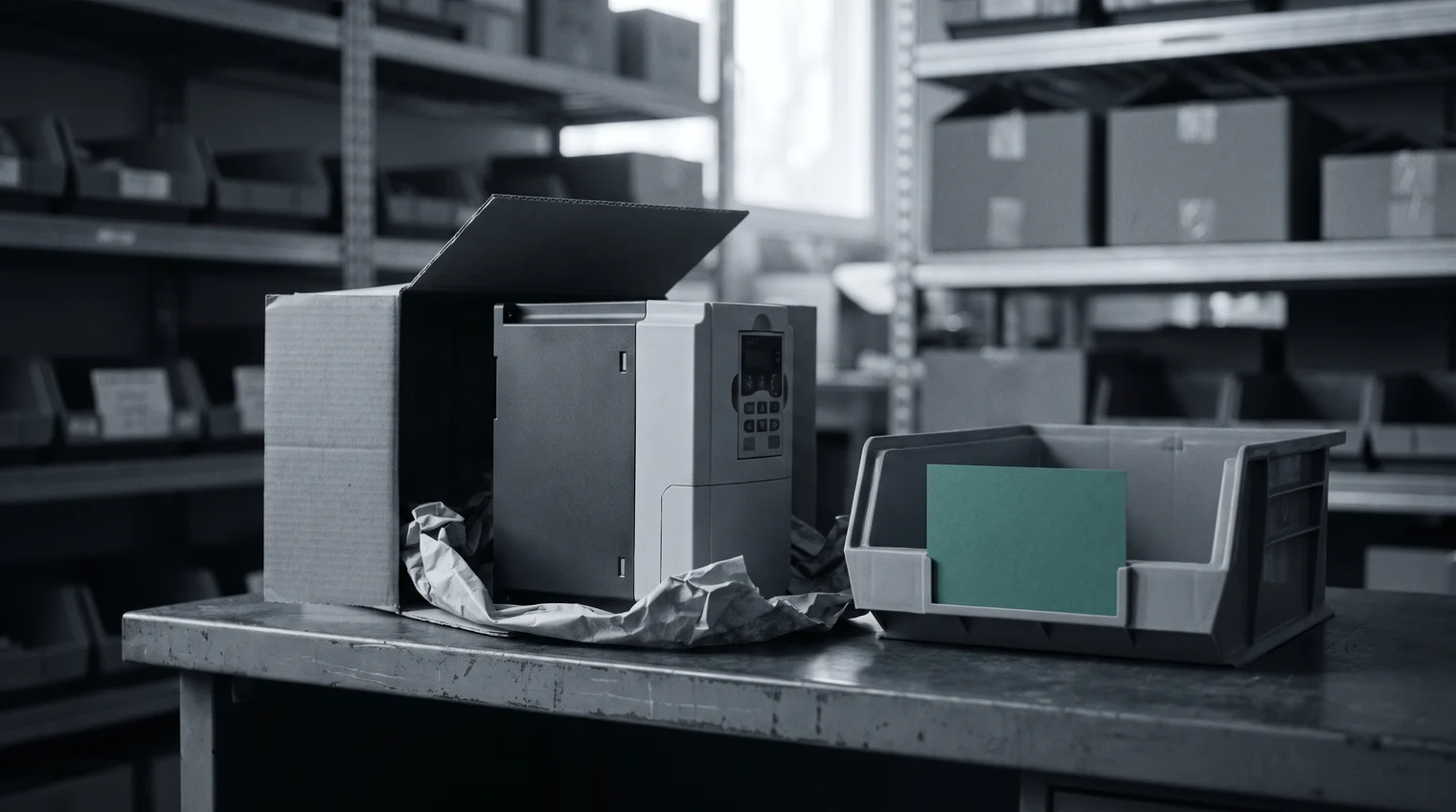
A new conveyor line arrives at the plant, and with it a spare parts list. One line on the request reads "inverter 7.5kW f. conveyor 3". The storeroom manager has that line and forty others to create before the line starts up, and each of them will become a material record that people search, order and count for as long as the conveyor runs. The frequency inverter in this example is an ordinary part. What happens to it between the request and the record that goes live is the subject of this post.
Most bad records are born at creation
Look at any material master that has grown for a decade, and the problems trace back to the day a record was made. A short text was typed in a hurry, in the requester's words. The manufacturer field was left empty because the request did not name one. A dealer's order number went into the manufacturer part number field because it was the number on the invoice. And the part already existed, at this plant or another, under a different name. Each of those choices was reasonable under time pressure, and each one costs something every time the record is used afterwards.
The pressure is real on both sides of the request. Master-data teams are measured on how long it takes to create a material, and the storeroom wants the part on the shelf before the line needs it. Where many people are allowed to create records, each with their own habits, the master drifts further with every request. The cost of that drift, in stock, spend and search time, is set out in the hidden costs of poor spare parts master data. The cheapest place to stop it is before the record exists.
Check the master before anything is created
The first question for the inverter request is whether the part is already in the master. A frequency inverter for a conveyor is a common part, and a plant with several lines may already stock the same model for another conveyor, under a short text nobody would think to search for. A sister plant may hold it too. Search by the maker and the maker's part number where the request has them, then by what the part is: an inverter, 7.5 kW, the supply voltage the line runs on.
The search has two outcomes, and only one of them ends in a new record. If the inverter is found, the request is answered by the existing material, with the plant added to it where needed or the part moved from another storeroom. If it is not found after a real search, the part is created, and created complete. Why a search on the request's words so often misses a part that is on the shelf is covered in search before you buy.

Create a spare part in the SAP material master with the fields that matter later
SAP's material master has more fields than any one request will fill, and most of them are not the storeroom's concern. For a spare part, six decide whether the record holds up. Each one, left thin, fails in a specific way later:
- Material type. The type your company uses for spare parts, so the part is planned, stocked and valued as one. Created under the wrong type, it follows rules meant for something else.
- Short text, built to one pattern. The kind of part first, then its key values, then the maker, in the same order for every record: "INVERTER, FREQUENCY, 7.5KW, 400V" before anything specific to the line. A short text in the requester's shorthand is how a part becomes unfindable in keyword search.
- Base unit of measure. Each, for an inverter. A wrong unit miscounts stock and orders from the first goods receipt.
- Material group, in your company's own classes. The class your team uses for drives and inverters, with eCl@ss as an optional mapping where you need one. A part in the wrong group drops out of every class view and every spend analysis by class.
- Manufacturer and manufacturer part number, as separate fields. The company that made the inverter, and that maker's own number for it, not the dealer's order number and not the conveyor builder's number for the same unit. Without them, the next duplicate cannot be matched and no other supplier can quote the part.
- Plant data: storage location and MRP settings. Where the inverter sits, and whether and when it is reordered. Left at defaults, the part is either never reordered or reordered as if it were a consumable.
The request line and the record that goes live now look like two different things. One says "inverter 7.5kW f. conveyor 3". The other carries a short text in the plant's pattern, a maker, a manufacturer part number, a class and a storage location. Who sets the pattern, the classes and the approval steps is a governance question, and a separate post covers it.

A complete record carries more than SAP requires
SAP lets a material go live with far less than the list above. A record that passes the mandatory fields can still fail the first person who searches for it or orders it. Two more things make the difference for a spare part.
The first is the attributes the next search will need. For the inverter, that is the values a technician would use to describe it at the machine: rated power, supply voltage, the interface it talks to the line over. A record without them is found only by someone who already knows its short text. The second is what the next order will need: the suppliers who can deliver the part, a lead time, a price reference and whether the part is still made. Drives are electronics, and a maker can discontinue a series while the conveyor still has years to run. An inverter created without its lifecycle status can enter the master already heading for obsolescence, and nobody finds out until the first replacement order.
Proposals help, and your team creates the part
Partium Cockpit handles the inverter request in Material Creation. It checks every request against your master, so a part you already have isn't created twice. If the inverter already sits at another plant, the request ends there. If it is new, the record starts as thin as the requester's line. Material Creation fills in the attributes the record is missing before the part goes live. Those are the values the shorthand left out and the next search will ask for. It gives each new part its suppliers, lead times, a price reference and its lifecycle status. So the buyer knows before the first order who sells the inverter, and whether its series is still made. None of this is a record yet. The part only goes into the catalog when your team creates it.
Start this week with your last ten created spare parts. Pull them from the material master, hold each against the six fields above, and add a seventh check: was the part already in the master, at this plant or another, before it was created? Count the gaps by field. The field with the most gaps is where your next requests need the most attention. To run the same check on new requests as they arrive, book a demo and see Material Creation at work, on our demo catalog or on a sample of yours. Checking at creation is the half of MRO data cleansing that keeps a clean master clean.
See it on a catalog like yours.
We show you Partium live, on our demo catalog or on a sample of yours.