October 15, 2026
•
Master Data & Duplicates
•
Philipp Begala
Spare Parts Master Data Before S/4HANA: Leave, Merge or Complete
Spare parts master data is the oldest corner of the material master, and the move to S/4HANA is often the first time anyone reads all of it. Split it before it moves into what stays behind, what is merged and what is completed, and keep the same checks running after go-live.
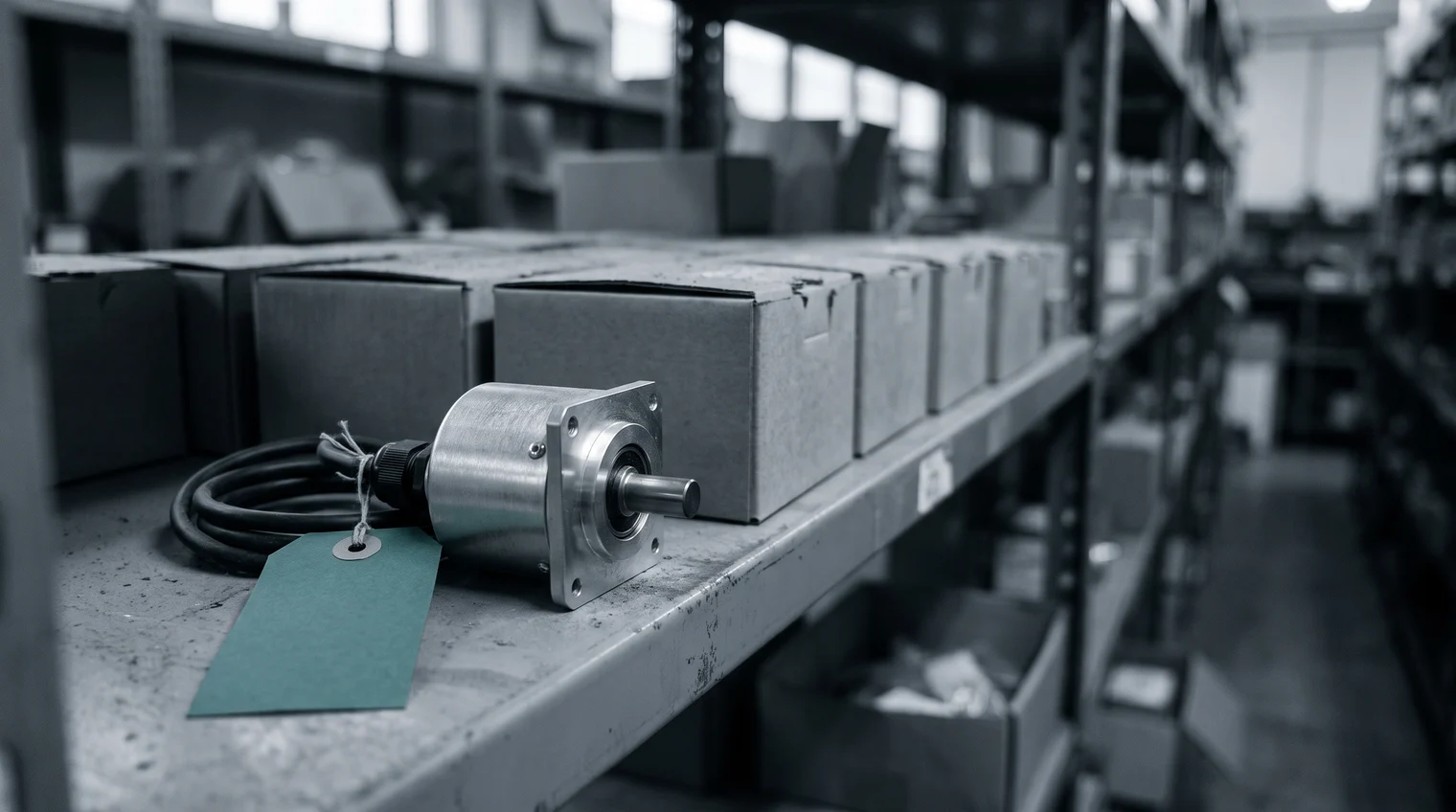
The master-data team pulls the spare-parts extract from ECC and sorts it by short text. Three lines describe the same rotary encoder. One was created at the plant whose conveyor runs on it today. One was created at a sister plant that bought a spare under its own number. The third belongs to a plant that closed years ago, and its records are still in the master. All three move to S/4HANA unless someone decides otherwise.
The move to S/4HANA is the first full read of the spare parts in years
The decision to move from SAP ECC to S/4HANA is made and funded, and the material master is in scope. Spare parts are the corner of that master nobody reads end to end in daily work. Maintenance searches for the part it needs, procurement orders what it can find, and a record nobody searches for is never seen again. The migration changes that. Every record in the extract has to be mapped, loaded and checked, so for once someone looks at all of them.
What they find is predictable. There are inactive materials nobody has touched in years. There is the same part under several numbers, created at different plants by people who each described it well in their own words. And there are short texts that say "ENCODER" and nothing else, which no technician will find in a search. One measured case points the same way. A 2024 master's thesis from Lund University studied one OEM's spare parts through its ERP data, and its authors concluded that the system needed a clean-up.
Moving those records as they are carries their costs into the new system: the part bought twice because the first one sat under another number, the repair that waits for a part nobody can find, the hours spent reconciling records by hand. Those costs are summed up in our post on poor spare parts master data. The migration is the moment the budget allows a team to deal with them. It is not the last time they appear, and the last section comes back to that.
Spare parts master data before S/4HANA needs three decisions per record group
A migration tool moves records. It does not decide which records should exist, and that decision belongs to the people who know the parts, before the load. It is easier to make per group of records than line by line. Sort the spare-parts extract into three groups:
- Leave behind. Records with no movement, no stock and no installed equipment that uses them. They are not loaded, once maintenance has signed that no machine still needs the part.
- Merge. Records that describe the same part under different numbers. One record survives and takes over the stock and the plant data of the others, and the rest are blocked so nobody orders against them.
- Complete. Records that the next search and the next order depend on, but that lack the maker, the manufacturer part number or the attributes that tell one variant from another. They move once those fields are filled.
The rotary encoder shows how the three apply. Material 300871, at the closed plant, reads "ENCODER", carries no part number and has not moved since the plant shut. It is left behind, once maintenance confirms the encoder is installed nowhere else. Material 140552, at the sister plant, reads "DREHGEBER 1024 IMP 10MM", carries the manufacturer part number written with dashes, and holds two in stock. It is the same encoder as the conveyor plant's own record, so it is merged into that record, and its two encoders become stock both plants can see. Finding pairs like this one is where most of the hours go. Material 100917, at the conveyor plant, survives the merge and moves once it is complete: the maker, the manufacturer part number in one form, the resolution, the shaft diameter and the output signal. The material numbers and texts here are the example's own.
The order matters. Leaving dead records behind first makes the merge smaller, because a duplicate at a closed plant is no longer something to merge. Merging before completing means the team fills the fields once, on the record that survives, instead of three times. Each group also needs a different signature. Maintenance signs what is left behind, the storeroom and procurement sign what is merged, and the master-data team owns what is completed.

The split has to fit the migration's dates
One plant's extract can be sorted by hand. A group's extract, with tens of thousands of spare-parts records across plants and languages, cannot, and the migration runs on dates the master-data team does not set. Sorting by movement and stock finds most of the first group in an afternoon. The second and third groups need someone to read short texts, compare part numbers written three ways and decide which attributes each kind of part needs. That reading is where a manual split runs out of time.
Partium Cockpit is where the team does that work. Classification maps every part in your catalog the day you upload it. Every feature in Cockpit starts from that map. For the extract, the encoder lands in its class on the day it is loaded, and the class says which attributes a complete record carries. De-Duplication finds the same part filed under different numbers, and stops a new record from adding one more. The sister plant's DREHGEBER and the conveyor plant's encoder arrive as one group, and the merge stays the team's decision. In Targeted Attribute Enrichment, the full results table takes corrections inline and in bulk: the AI proposes, your team corrects. The proposal and the decision stay apart, so every field filled on the encoder's record is one the team accepted.
The master keeps changing after go-live, so the checks keep running
On the day S/4HANA goes live, the spare parts master is the cleanest it will be. The next morning, a buyer at a sister plant creates a record for a part they could not find, and a new machine arrives with its spare parts list. A clean-up done once, for the migration, starts to age the same week. Teams that cleaned their master once before know the pattern: the money is spent in one go, and the decay starts again.
The checks that sorted the extract are the checks the new master needs every day: a class for every new part, a duplicate check before a new record is saved, and the fields a search depends on filled before the part is ordered. Your ERP stays the system of record. Partium Agent reads from it and writes back what your team decides. Run that way, the encoder stays one record after go-live, and the next migration does not start from the same extract.

Start this week with one plant. Pull its spare-parts extract and sort it into three groups: no movement and no stock, the same manufacturer part number under two or more material numbers, and parts in use that lack the maker or the part number. Count each group, and take the first list to maintenance for sign-off. Those three counts are the size of the decision your migration is about to make. To run the same split on that extract, book a demo and see it on our demo catalog, or on a sample of your data.
See it on a catalog like yours.
We show you Partium live, on our demo catalog or on a sample of yours.