October 15, 2026
•
Master Data & Duplicates
•
Philipp Descovich
Merge Duplicate Material Records Without Scrapping the Last Spare
A list of duplicate groups saves nothing until someone merges them. Here is how to merge duplicate material records in an order maintenance accepts, and how to count what each merge saved, part by part.
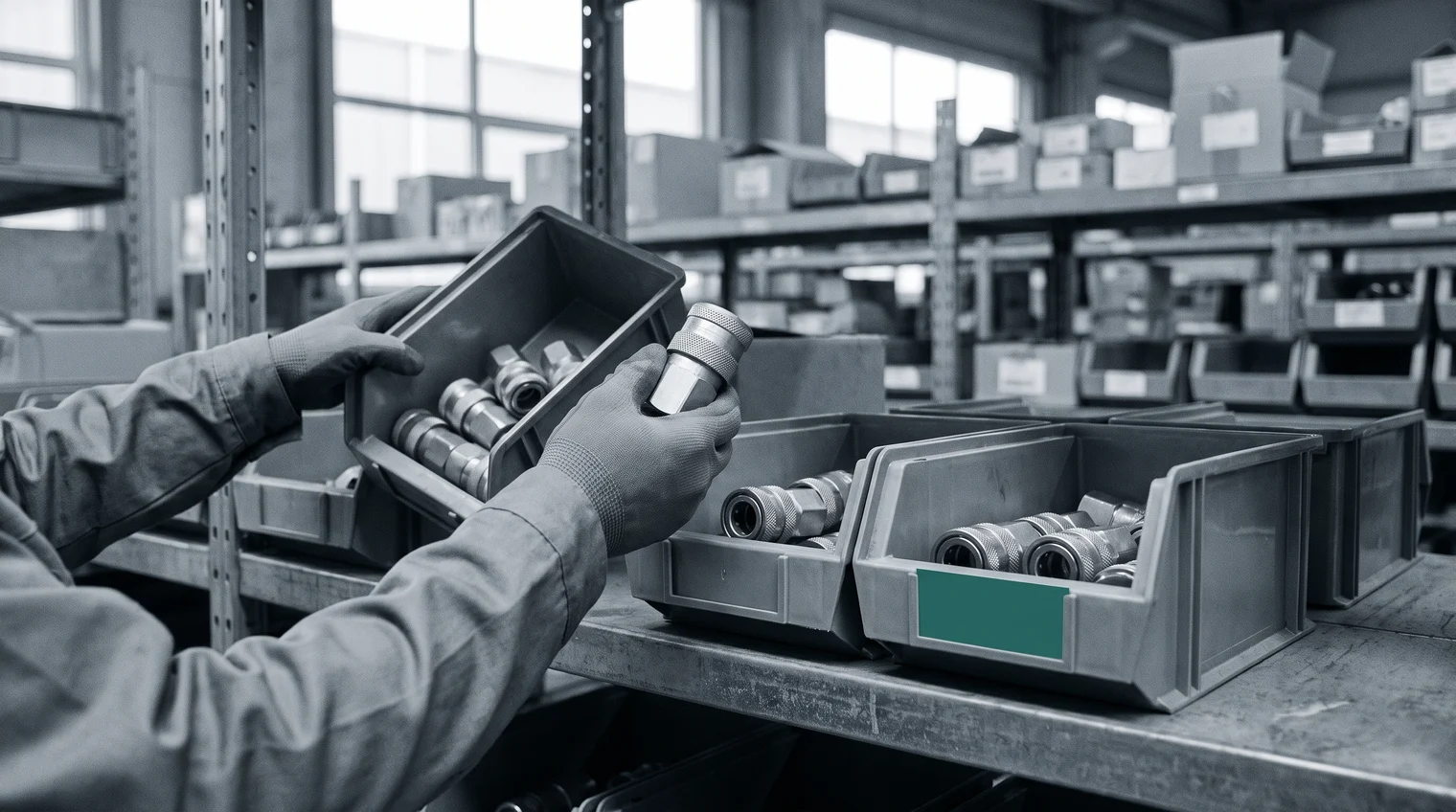
The duplicate list is finished, and a hydraulic quick-release coupling sits near the top. It is one part, the coupling on the quick-change tooling of the presses at three plants, filed under four article numbers. Linz buys it under two of them, at $38 and at $52. Graz pays $44 and Pilsen pays $61. All three plants hold stock, and Pilsen's record is about to trigger a reorder. The head of MRO procurement was told the list would bring savings, and is waiting to see them. The prices, quantities and plants in this post are an illustration, not a customer result.
A duplicate group saves nothing until someone merges it
Finding the group was the first half. Finding duplicates in the material master works from exact part numbers through to the short texts, and ends with groups of article numbers that share one manufacturer part number. This post starts where that one ends, with a confirmed group and the work of turning it into one record.
Until that work is done, the list changes nothing. The four records keep their four prices, each plant keeps its own reorder point, and every purchase order goes out against whichever record the buyer found first. What duplicates cost in stock, spend and search time is summed up in the hidden costs of spare parts master data. That cost stays on the books until the records become one.
Merges stall for a reason worth taking seriously. In 2019, a head of purchasing at a paper mill told the trade press that his team had never cleared its duplicates or its obsolete stock, because nobody wanted to scrap the last spare for a machine decades old. He added that the clean-up needed a person with technical knowledge and the authority to decide. The fear is reasonable. A merge that moves stock without asking maintenance can empty the shelf a press depends on. So the order of the work matters more than its speed: first the facts, then criticality, then the records, then the stock.
Confirm the group, then ask maintenance what must stay
A merge needs a fact behind it that both the master data team and maintenance accept, and the manufacturer part number is that fact. For the coupling, all four records resolve to the maker's number QK12-B4. The article numbers differ, the short texts differ, and two records carry the number in different spellings, but the number is the same. If a record in a group cannot be tied to the number, take it out of the group until someone has looked at the part on the shelf. A group with one doubtful record is two groups until that check is done.
Criticality comes before any stock moves. Maintenance knows which spares a plant cannot run without, and it keeps a veto over stock that touches them. Ask before the merge, and write the answer down. For the coupling, the answer is short: the presses cannot change tools without it, so every plant keeps at least two on the shelf. That floor does not stop the merge. It decides how much of the stock the merge may move, and it gives maintenance a reason to sign the merge instead of blocking it.
How to merge duplicate material records in five steps
With the group confirmed and the floor agreed, the merge itself is routine work in your ERP. Your team does it, with the approvals it already uses, and the ERP stays the system of record. Work through each group in this order:
- Choose the record that survives. Pick the one with the maker, the full part number, a clear description and the longest history. For the coupling, that is the older Linz record, 10045812.
- Move the stock onto it. Transfer each plant's quantity from the other records to the surviving one, plant by plant, and keep maintenance's floor in view.
- Move the open purchase orders. Orders placed against an old record are changed or replaced so they arrive under the surviving number.
- Point bills of material and work-order references at it. The next repair on the press then draws the coupling under the number that holds the stock.
- Block the other records for purchasing. Nobody can order against them again, and their history stays readable.
Each step leaves a trace a colleague can check: which record survived, what moved, and which records are blocked. That trace is also where the savings report starts.

One record shows one price, and the savings are counted line by line
The merged record shows two things the four records hid. The first is the price spread: $38 to $61 for the same coupling. Procurement now takes one price to the supplier, for example the $38 Linz already pays, and every plant orders at it. The second is the stock. With 14 couplings in Linz, 4 in Graz and 2 in Pilsen on one record, Pilsen's reorder of ten at $61 looks different. Linz can send six and still keep its floor of two. That is the plant about to order a part another plant already holds, caught before the order goes out.

The savings report follows the same logic: count what happened, part by part, and leave out what might happen. For the coupling, three lines cover it. The price difference counts on each order as it is placed: Graz's next order of twelve at $38 instead of $44 is $72. The purchase that did not happen counts once: Pilsen's ten at $61, which is $610, less the freight for moving six couplings from Linz. The stock used up instead of reordered counts as it is drawn: the five couplings on Linz's second record are used before anyone buys more, which is $190 at the one price.
Each line carries the part number, the article numbers involved, the quantity, the two prices and the date. A controller can check every line against an order or a stock movement in the ERP. One coupling group is small money, and the report says so. What makes the report credible is that every line has its basis, for every group, without a forecast in it.
Partium Cockpit brings the group, the criticality and the stock to one place
Partium Cockpit gives the master data team and maintenance the same starting point for each group. Duplicate Monitor confirms each group by the manufacturer part number. Maintenance's answer on what must stay is part of the same picture. The criticality your team sets outranks the model, so a spare the plant cannot run without is not flagged as stock to cut. The merge itself is your team's work in your ERP, and the reason to do it is plain once the group is visible. Your material master lists one part under four article numbers, at four prices. Merge them and buy at one price. After the merge, the next thing worth catching is a reorder like Pilsen's. Inventory Optimization finds the plant that needs stock another plant holds.
This week, take your ten largest confirmed groups through the sequence. Confirm each by its manufacturer part number, ask maintenance for its floor, merge, and start the three-line report on the first orders that follow. To run the same sequence across your whole material master, book a demo and see it on our demo catalog, or on a sample of yours.
See it on a catalog like yours.
We show you Partium live, on our demo catalog or on a sample of yours.