November 12, 2026
•
Part Search
•
Philipp Descovich
Identify a Spare Part by Photo, Then Confirm It With One More Clue
A photo gets you close. To identify a spare part by photo, shoot the part so the picture can narrow the search, then add one more clue that settles which variant you hold.
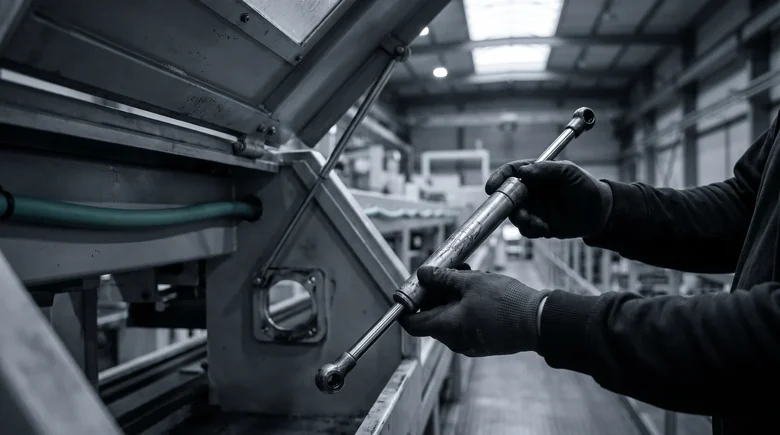
The hinged guard on a packaging machine will no longer stay open. The gas spring that holds it has lost its pressure, and the technician has it out of its mounts before the shift lead arrives. The cylinder is scratched. The printed band that carried the maker and the type code has worn off. So the technician takes a photo and sends it to the storeroom with the request.
The photo is good. It matches four gas springs of one family, and all four look identical: the same cylinder, the same rod, the same eyelets at each end. They differ in force and stroke, and neither shows in a picture. You can identify a spare part by photo, and the photo does most of the narrowing. One more clue confirms the part.
What is this part: what a photo carries and what it cannot
A photo answers the searcher's first question, what is this part, at the level of shape. It shows the part's form and its family. It shows the material, the finish and how the part is mounted: eyelets, ball sockets, a threaded stud, a flange. It often shows the maker, from a logo, a color or a molded mark that survived the wear. For the gas spring, that is enough to rule out every other part in the catalog except four.
What a photo cannot carry is the variant. Two gas springs of one family can share every visible line and still push with different force. Two motors can share a housing and differ in rating. A seal looks the same in two materials that behave differently at temperature. A stroke or a length can be hidden while the part sits in the machine. These are the values that decide whether the replacement works, and none of them is in the pixels.

So read every photo match as a short list, not an answer. The next time a photo search returns several parts that look alike, write down what separates them. That difference is the clue to collect at the machine.
Identify a spare part by photo with four shots
A photo helps most when it shows what the search can compare. Four shots cover it:
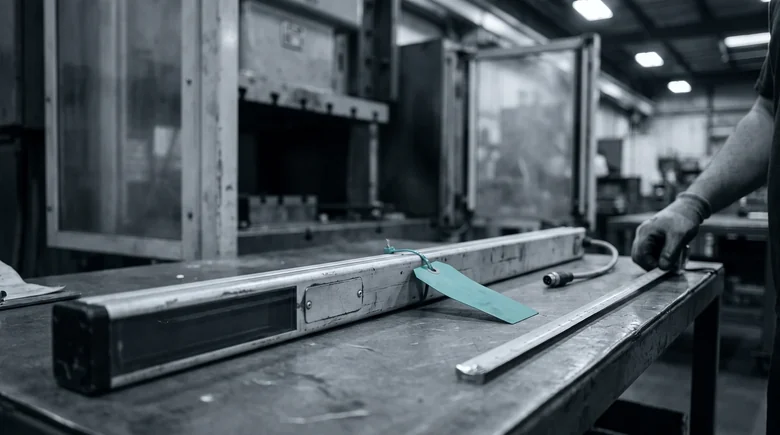
- The part alone on a plain surface. Off the machine, away from cables and brackets, on a bench or a sheet of cardboard.
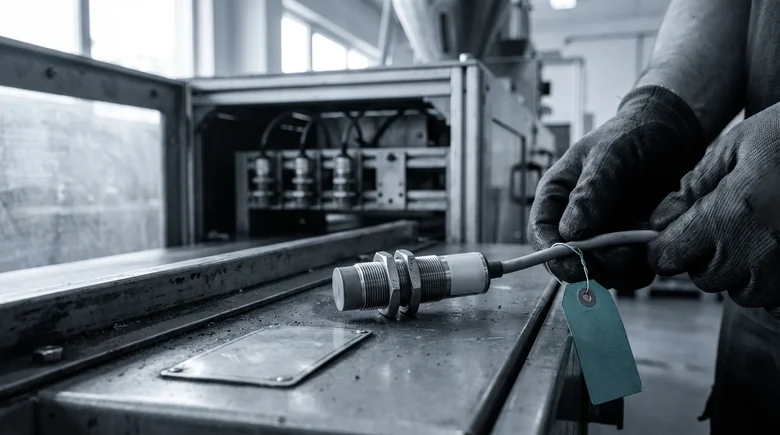
- The whole part, then the detail. One shot of the full part, then close-ups of the thread, the connector, the end fitting and any fragment of a label.
- Something for scale. A ruler or tape measure laid beside the part, so length and diameter can be read from the picture.
- The part as it is. Dirty, scratched or half painted over. Do not clean off what might be a mark.
For the gas spring, the four shots take a minute. The part lies on the bench, fully extended. The whole spring is in one frame with a tape measure beside it. The close-ups show both eyelets and the strip of cylinder where the band used to be, with two letters of the maker's name still legible.
Pin the four shots up where the technicians collect parts, so every photo sent to the storeroom shows the same things.
A second clue closes the match
The photo leaves a short list. A second clue picks one part from it. The clue does not need to be complete. It needs to separate the candidates that look alike. One measurement often does it: a length, a diameter, a thread pitch, a stroke. So does the part's position in the machine builder's parts list, or a fragment of the type code, since even three characters from a worn label rule out most of a family. Failing those, the function in plain words, such as "holds the infeed guard open", still narrows the field.
For the gas spring, the tape measure in the photo gives an extended length of 400 millimeters, and the rod shows a stroke of 150 millimeters. That leaves two of the four. The machine's documentation for the guard lists the spring's force, 300 newtons. One part remains, and its record matches the spring in the technician's hand.
Call it the photo-plus-one rule: no photo goes to the storeroom without one clue the picture cannot carry. The full set of clues a part and its machine still hold, and how to combine them, is the subject of how to identify a spare part without a part number.
Partium Find starts from the photo and adds the next clue
Partium Find takes the photo as one way in and the next clue as another. It compares the picture with the parts in your catalog by what they look like. The worn gas spring is still a usable starting point. Take a photo of the part. Find matches it even when the part is worn, dirty or unlabelled. Where a fragment of a label survives, it adds the text. Scan the label or nameplate, and Find returns results from the text on it. The technician's own words describe the function. Type what you know: a few words, a function, part of a description. Find searches by meaning, not by exact naming. The measurement separates the variants that look alike. Narrow the results by manufacturer, dimensions or category. The machine's parts list places the part in its assembly. Use the bill of materials to narrow down a part that is hard to name.
On the storeroom's side, photos do a second job. A catalog matches photos better when its own records carry pictures, and the storeroom can take them as parts arrive. Photograph parts in Partium Find with Image Collection. Partium Agent reads the part data out of the images and makes it available in Partium Cockpit.
This week, photograph the next three failed parts the way the checklist shows, add one measurement to each, and send both with the request. Ask the storeroom which of the three it could identify on the first try. To try photo and clue together on your own catalog, book a demo.
See it on a catalog like yours.
We show you Partium live, on our demo catalog or on a sample of yours.