October 10, 2026
•
Obsolescence & Alternates
•
Philipp Descovich
How to Find Obsolete Spare Parts Before a Failure Finds Them
Most plants learn a part is discontinued at the counter, when the reorder comes back unavailable. Here is how to find obsolete spare parts across your catalog before that, starting with one machine, and which ones to work first.
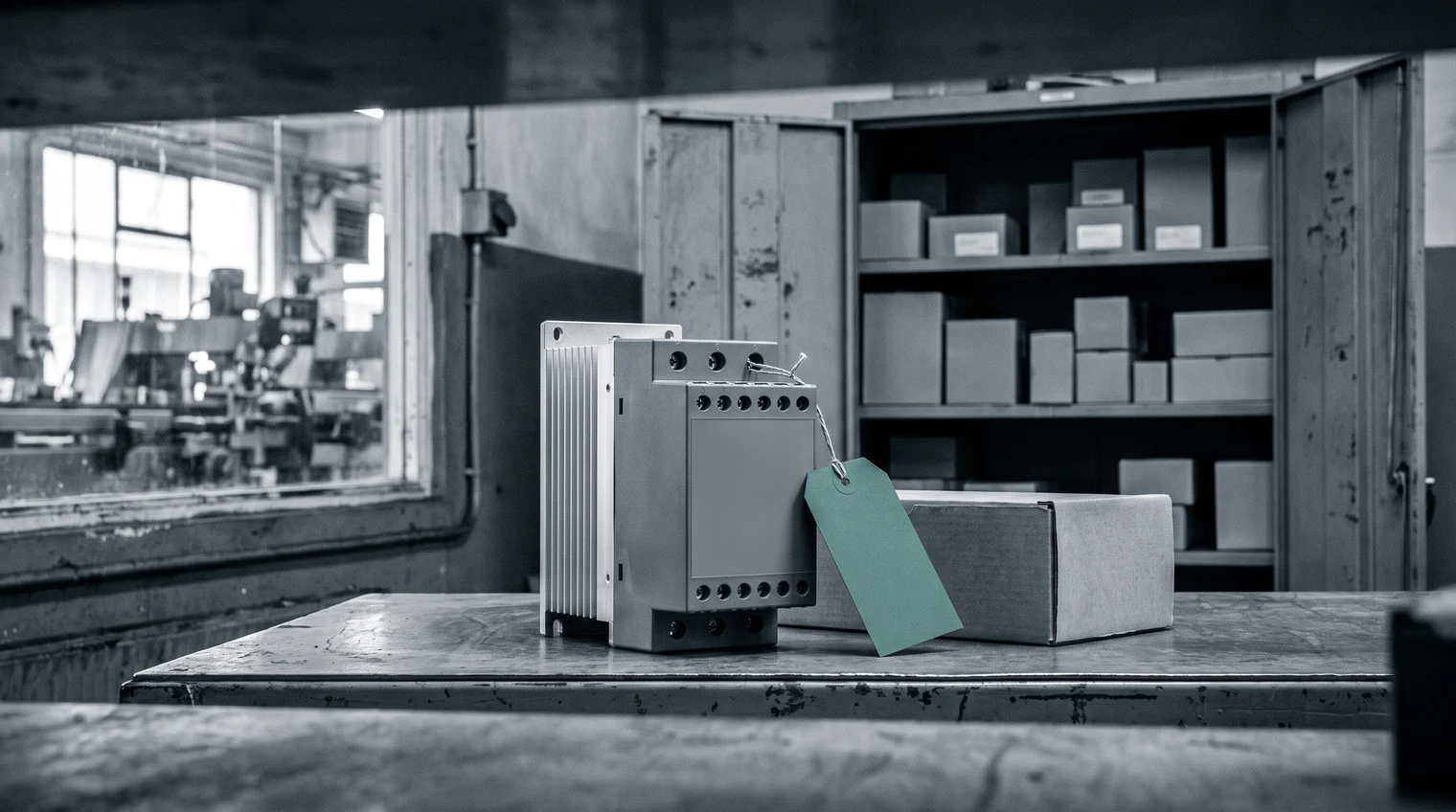
A technician brings a failed motor soft starter to the storeroom counter. The storeroom manager places the reorder, and the answer comes back: no longer available. The conveyor it ran waits. Nobody missed a notice, because no notice reached anyone at the plant.
Most storerooms find their discontinued spare parts this way, one at a time. The posts on what to do when a notice arrives and how to approve a substitute start after that moment. This one starts earlier, with the list itself. Across tens of thousands of catalog lines, which parts are already obsolete or phasing out, and which matter first?
One word needs a line of its own. Obsolete here means discontinued by its maker. Stock that no longer moves is the other meaning in the storeroom, and a different task.
Why the list does not exist yet
Lifecycle status lives with the manufacturers, not in your ERP. The record holds the article number, the short text, the stock and, on a good day, the maker and the maker's part number. It does not hold whether the maker still builds the part. A record looks the same the day after the part is discontinued as the day before.
Notices reach the plant one part at a time, if at all. They go to whoever bought from the maker last, often a distributor or a colleague who has moved on. What the signals behind a status change mean, from a change notice to a last-time buy, is the subject of NRND, PCN and last-time buy. The point here is simpler. Waiting for notices builds no list. Someone has to ask, part by part.
The storeroom feels this first. Discontinued parts found too late rank among its most common pains. The head of maintenance carries the downtime when one turns up at the counter. Both want the same thing: a flag with a date on it, early enough to react.
Find obsolete spare parts in a three-step sweep
You can start this week, on one machine or one material group. Take the spare parts of one line and work them in three moves:
- Know who makes each part. Check that every record carries the manufacturer and the manufacturer part number. A record without them cannot be checked. That gap is your first finding, so write it down.
- Look up each part's status and the date that matters. For each maker and part number, find whether the part is active, phasing out or obsolete. Note the date the maker gives for the last order or the end of support.
- Rank what comes back. Set criticality, stock on hand, use and stock at other plants beside each status. A discontinued part with years of stock on the shelf waits. A critical part with none goes to the top, with an owner and a date.

Here is the sweep on one packaging line. The conveyor cabinets use one motor soft starter, filed under three records. Two carry the maker and the part number SSM-22-400. The third reads "SOFTSTARTER 22KW" with no manufacturer part number at all. Move one finds that record and parks it as a finding. Move two shows the soft starter is phasing out, with a last order date fourteen months away. Move three shows no stock on this line's shelf and a high criticality. Another plant holds two years of stock. The soft starter goes to the top of the list. The third record goes to the master data manager.
Each move leaves a blind spot. After move one, records with no maker stay dark. After move two, some parts have a status but no date. After move three, status and date mean little without stock and criticality beside them, and those live in other systems.
Why the sweep belongs before the failure
Machines stay in service far longer than the parts inside them are made. A University of Twente working paper on last-time buy decisions puts the service life of capital goods at 5 to 30 years (Behfard et al., 2015). The electronics inside such a machine rarely stay in production that long. Every line you run today holds parts its makers will stop building before you retire it.
The share can be large. A 2024 master's thesis from Lund University studied the spare parts of Axis Communications. In one of its supply chains, close to half of the spare-part records in the ERP were already inactive or discontinued. That is one case at one company, not a benchmark. It shows how much can sit in a catalog nobody has swept.

Found in the sweep, the soft starter is a planning task. It is phasing out, the date is known, another plant holds stock, and there is time to find a replacement. Found at failure, it is a breakdown. The reorder comes back unavailable and the line waits.
Run once by hand, the sweep is a project. Run every year across every line, it needs software built for it. Partium Cockpit is software for the teams who look after spare parts: maintenance and procurement. The dashboard shows what needs doing today, and the feature where you do it.
Status, date and stock beside each part
In Cockpit, the three moves sit in one place. Start with the soft starter's status. See if a part is active, phasing out or obsolete, so you plan for obsolescence instead of reacting to it. A status is half the answer, and Obsolescence Monitor adds the other half. It gives the date that matters, while there's time to plan.
Ranking keeps the line's priorities. The criticality your team sets outranks the model, so a spare the plant cannot run without is not flagged as stock to cut. The last move checks the other plants. One search shows where the part is stocked, at every plant, so you find it before you buy it again.
The sweep does not wait for a clean master. Your data, as it is. No cleanup project before you start. Short texts, duplicates, missing manufacturers and catalogs in several languages are the input we build for.
The parts at the top of your list need a replacement next, and form, fit and function is how you approve one. This week, run the sweep on one machine's spare parts and count the records with no maker. Then book a demo, or ask for the demo license and see the status of your own catalog.
See it on your own catalog.
Book a demo, or start with a demo license.